 Snowed
It never snows in Vice City. Until now.
GTA VI comes out November 19. Stream it to your Mac or PC and let Snowed put your winter around Vice City's endless summer. Setup takes two minutes.
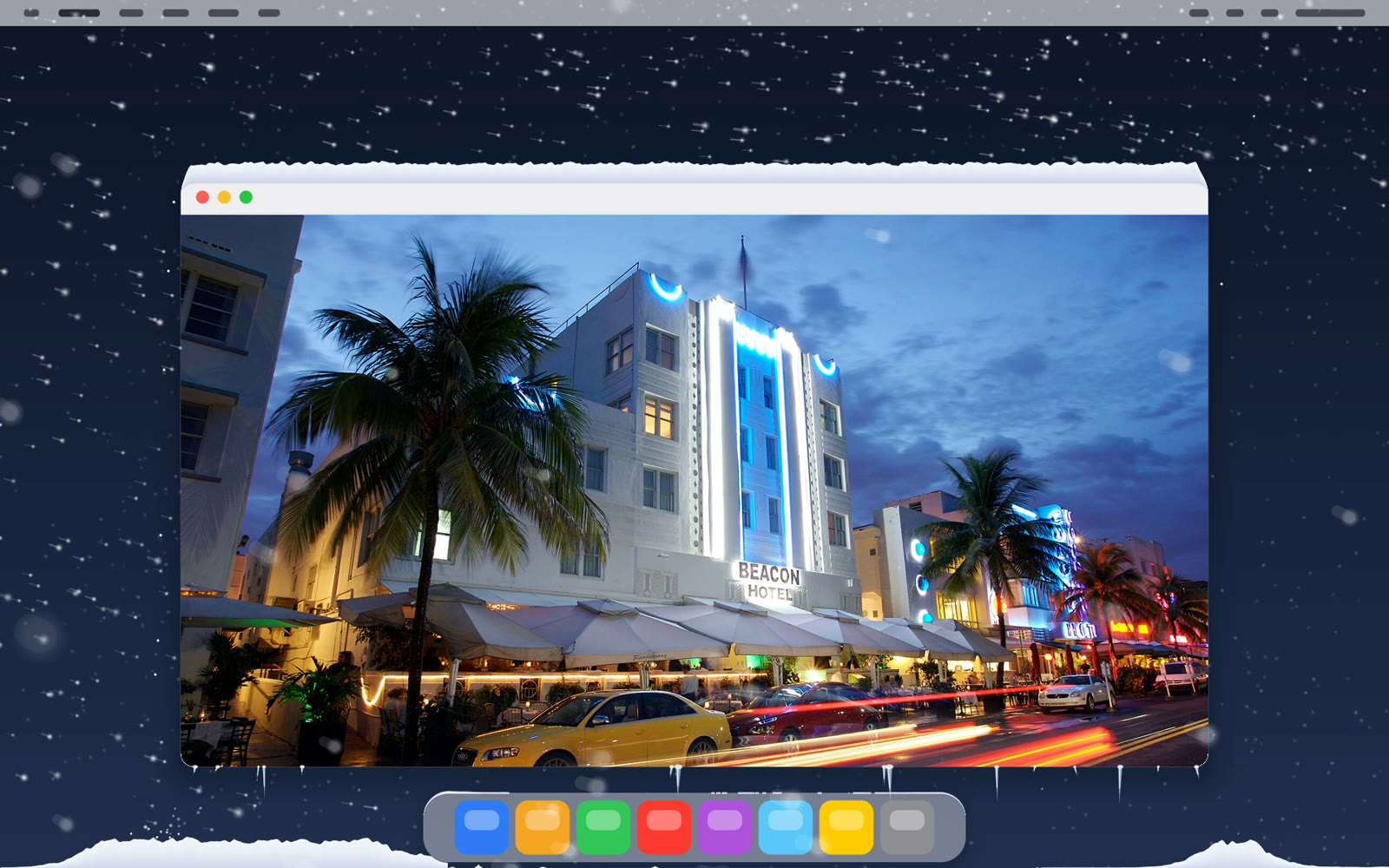
Grand Theft Auto VI comes out on November 19 on PS5 and Xbox Series X|S. Thirteen years after GTA V, we’re going back to Vice City: neon, palm trees and Florida heat that never lets up.
Your November looks different. It’s dark by five, the car has frost on it, and the heating is on. Snowed lets you have both at once: the game’s endless summer inside its window, and your winter all around it.
Why it works
Rockstar builds its cities for mood: sunsets, the radio, the slow drive home after a job. Snow on your screen adds one more layer, the one you get from playing on a winter night under a blanket.
The game stays exactly as Rockstar made it. The snow lives on your desktop: it falls around the game window, a few close flakes drift past in front, and a drift builds up on the window’s top edge like on a roof. The game turns into a window onto July in the middle of your winter.
Set it up in two minutes
- Stream the game to your computer. On PS5, use the PS Remote Play app on a Mac or PC. On Xbox, use remote play in the Xbox app on Windows.
- Keep the game in a window. On a Mac, snow doesn’t fall over full-screen apps, so drag the window’s corner to make it big instead of going full screen. On Windows, you can also maximize it: snow then falls right across the game picture. For full screen, turn on Snow over full-screen apps in Settings.
- Leave a strip of desktop above the window. That’s where the drift grows.
- Play with a controller. On the desktop, Shift and the mouse throw snowballs. With your hands on the gamepad, the snow stays scenery.
Three moods to try
Pick an amount and a snow type in Snowed’s Settings.
Night drive: Light, Dry powder
A few slow flakes against the neon. Best for cruising Ocean Drive with the radio on.
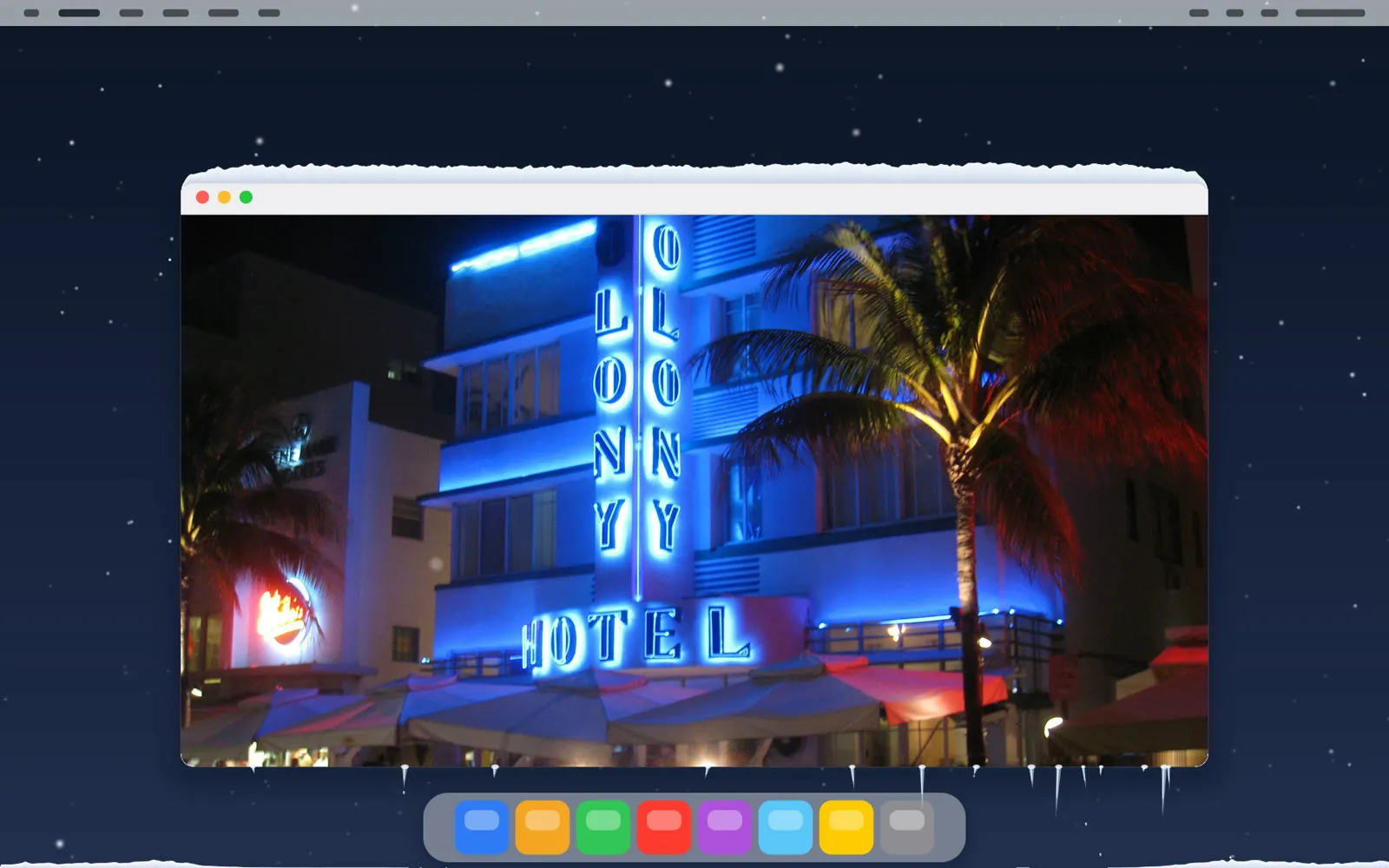
Planning the job: Heavy, Wet sticky
Thick flakes that cling to the window and flatten where they land. For the quiet hours at the safehouse.
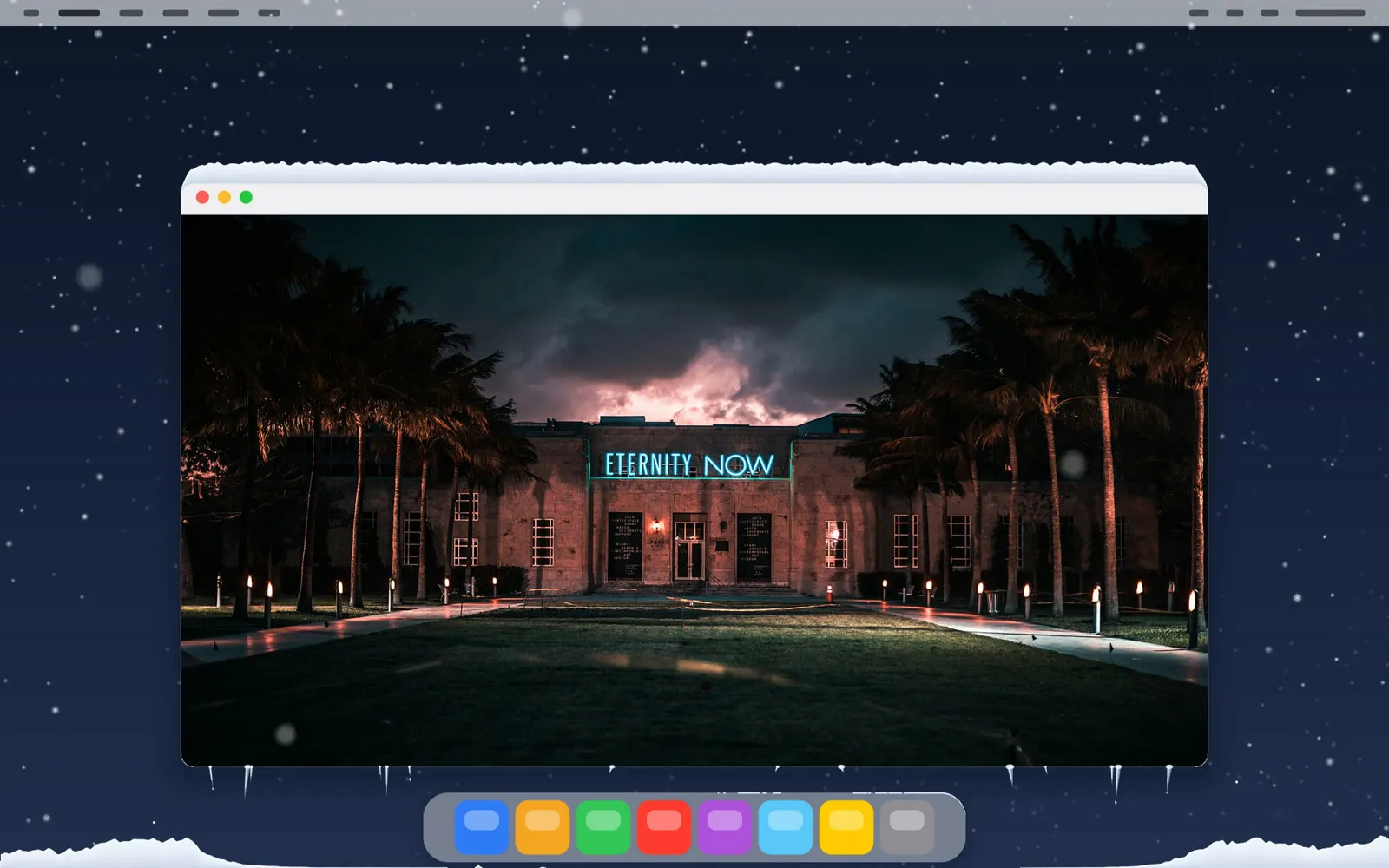
The getaway: Blizzard
Stars on your wanted level, a whiteout on your desktop. The wind changes direction with every new blizzard.
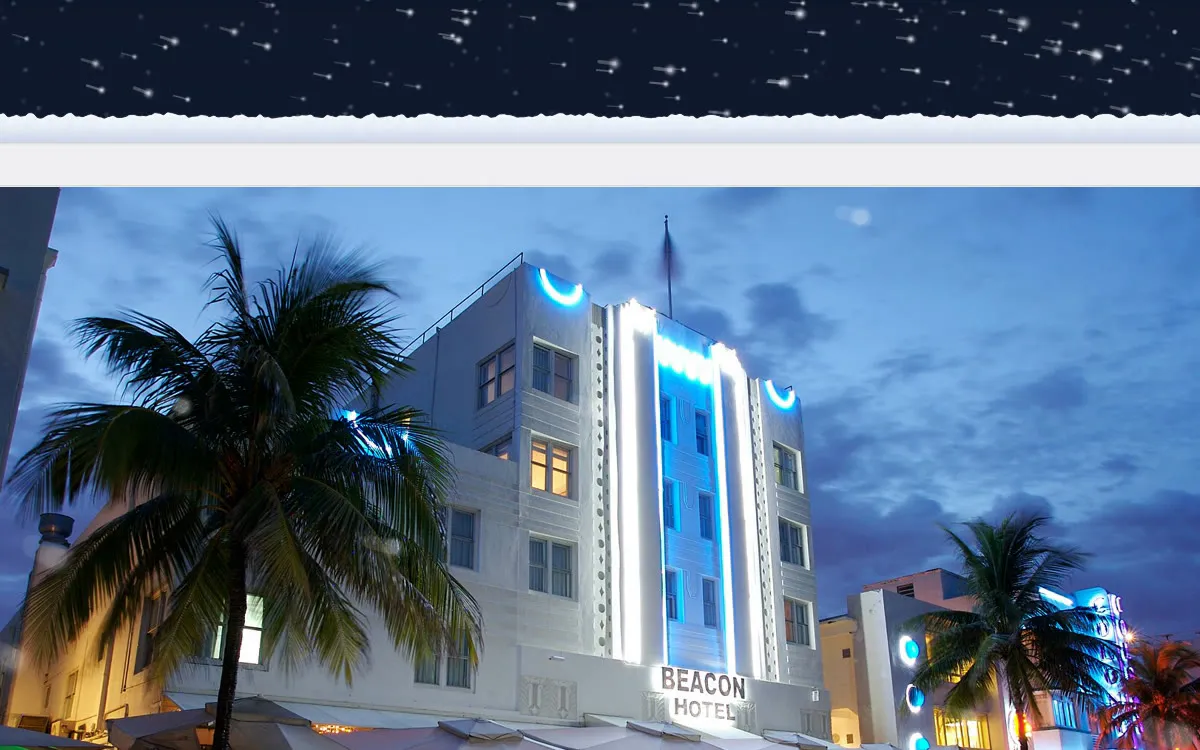
Or set the amount to Auto, and Snowed follows the weather where you live. When it snows outside your door, it snows over Vice City too.
Between missions
Loading screen? Grab the mouse, hold Shift and roll a snowball out of the drift on top of the game window. Stack two or three and you have a snowman, each with its own hat, face and outfit. Here’s how that works.
Quick answers
Will it make the stream lag? Snowed draws on the graphics chip. On a 2019 laptop with Intel’s built-in graphics it takes under 2.5 ms per frame. The numbers are here.
Does it touch the game? No. The game runs on your console, and Remote Play only shows the picture. Snowed draws over your computer’s screen and doesn’t read or change the game, the streaming app or the console.
What about GTA VI on PC? Rockstar hasn’t announced it yet. Reports point to early 2027. When it comes out, play it in a window and the snow falls on it like on any other window.
Get Snowed
Snowed is a one-time purchase for Mac and Windows. No subscription, and one key covers every device in your plan. See plans and prices.
The pictures show Snowed over street photos of Miami Beach, not over game footage. Photos: Daderot, Sandor Photography and Andre Benz, public domain and CC0 via Wikimedia Commons. Snowed isn’t affiliated with or endorsed by Rockstar Games. Grand Theft Auto is a trademark of Take-Two Interactive.